
Making one video is a project. Making one every week is a system. The difference is not talent or speed; it is deciding the same things once and reusing the decisions.
A workable weekly rhythm has five stages: collect, choose, prepare, build and check. Each stage is short, and none of them requires a full day.
Collect all week, not on the day
Keep one place for ideas: a note, a folder, a chat with yourself. Whenever a customer asks a question, a colleague explains something well, or a product detail surprises you, drop it there.
The best source of video ideas is the questions people already ask. They are specific, they have an audience, and the answer is usually short.
By the time you sit down to make a video, you should already have five or six candidates. You are choosing, not inventing.
Choose one idea and one outcome
Pick the idea that is easiest to explain and most useful to the audience. Write the outcome in one sentence: "After this video, the viewer will know how to..."
If the sentence contains "and", split it. One video, one outcome.
Decide the destination at the same time. A Reel and a website header are different compositions, and the choice affects how much text you can use.
Prepare the assets before opening the editor
Gather everything the video needs in one folder:
- The photos or recordings.
- The logo and colours.
- The voiceover file, if there is one.
- The music track and its licence note.
- The URL or next step.
Missing assets are the main reason a ten-minute edit becomes an hour. If a photo is not good enough, take or find a better one before you start building around it.
If the video needs a screen recording, record it now, not after the layout is finished. The layout should be built around the source material, not the other way round.
Build from a reusable project
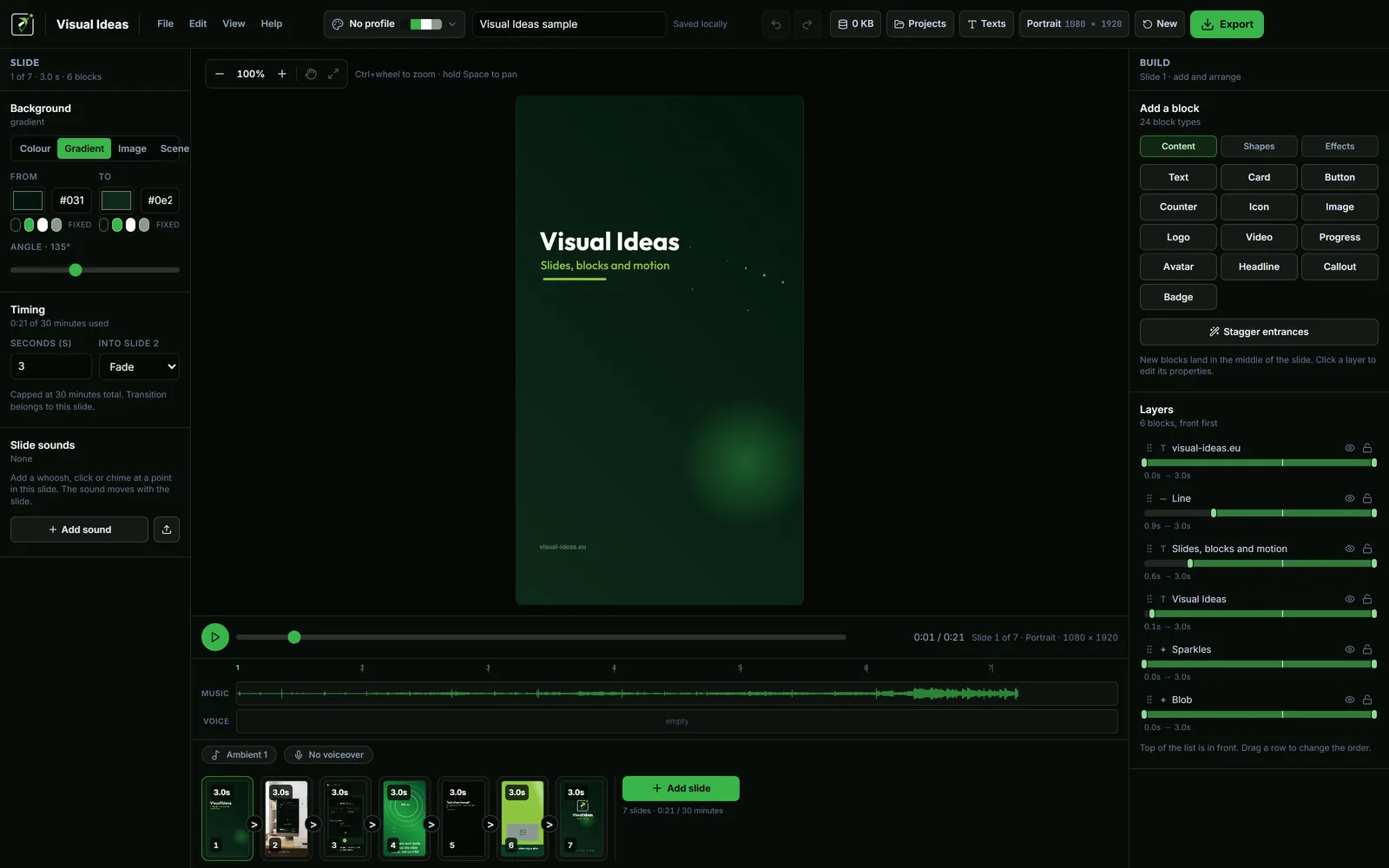
Keep one finished project as the layout template: a title slide, a content slide, a detail slide and a closing slide, with the brand palette and logo already applied.
Duplicate the project folder, rename it, and replace the content. That is the whole build. The structure is already there, so you are editing words and pictures rather than deciding spacing.
Visual Ideas stores each project as a folder with project.json and an assets/ folder. File → Backup writes an archive of your projects, brands and settings, and File → Restore brings them back. The branding guide covers the reusable palette and logo.
Set the timing once
The reusable project should already have a timing pattern: a 2-second title, a 5-second content slide, a 3-second detail and a 4-second close. Adjust the slides that need more time, but start from a rhythm that works.
Count the entrance animation as part of the slide's reading time. A line that fades in over half a second is not readable from the first frame. The slide timing guide has the calculation.
Check before exporting
A short checklist catches most problems:
- The opening matches the content.
- Every caption is readable on a phone.
- The audio is balanced, with the voice above the music.
- The closing frame has one action.
- Dates, prices and names are correct.
- Every image, recording and track is cleared for use.
Watch the video once at normal speed, then once on a phone. Do not skip the phone check; it catches more than any other review.
Export for the destination
Use the platform preset in the export sheet: Reels/TikTok/Shorts, YouTube, LinkedIn or WhatsApp. Choose 1080p at 30 fps unless the source or the destination calls for something else.
Save the MP4 with a descriptive name, then upload it. Keep the project folder; if the caption or the price changes, you can export a corrected version without rebuilding.
The export settings guide explains when 720p or 24 fps is the better choice.
A realistic weekly schedule
- During the week: collect questions and clips, ten minutes total.
- Monday: choose the idea and write the one-line outcome, ten minutes.
- Tuesday: gather the assets and record anything missing, twenty minutes.
- Wednesday: build from the template and set the timing, thirty minutes.
- Thursday: review on a phone, fix, export, twenty minutes.
- Friday: publish and note what to improve next week.
That is about ninety minutes a week, spread out. It is not a content machine; it is a sustainable habit.
Measure one thing
Do not judge a video by likes alone. Pick one measure that matches the goal: replies, link clicks, saves, or the number of times you send the video to a customer.
If a format works, keep it and change only the subject. If it does not, change one variable at a time: the hook, the length or the visual. That is how a weekly workflow improves without becoming a second job.
The seven small business video ideas and the hook guide give the first few weeks a starting point.

Cristian Istrate
Independent developer behind Visual Ideas, a video editor for Windows. I write these notes when a problem keeps coming back in support email. Get in touch.