
7 short video ideas for small businesses
Seven videos a small business can actually make this week, with the slide shape and the one fact each one needs.
A small business does not need a campaign. It needs something to post this week that looks like the business and says something true. The obstacle is rarely ideas; it is the cost of producing each clip.
The way out is reuse: one layout, one palette, one logo position, and a handful of facts that change. Each of the seven videos below is one fact and a few slides. None of them needs a presenter, a studio or a second app.
1. The shop update
The simplest video there is: what is new this week. One photo of the product, one line about it, the price if you publish prices, and the opening hours.
Slides: a title card, the product photo with a caption, a details card with the hours, a closing card with the address. This is the video to make when the week has run away with you.
2. The question customers keep asking
Every business has one. "Do you deliver?" "Can I bring my own fabric?" "Is it suitable for sensitive skin?" Answer it in four slides, once, and pin it. You will send it to people for a year.
Slides: the question as a title, the short answer, the detail that matters, a closing card with "Ask us anything" and the contact. No product shot required.
3. The before and after
A repair, a haircut, a cleaned window, a redesigned room. A before-and-after is the most persuasive format in every trade, and it needs no words beyond the two labels.
Slides: the before photo labelled, the after photo labelled, one line about how long it took or what it cost, a closing card. If you want movement, reveal the after photo with a wipe.
4. The how-it-works minute
People buy when they understand what happens after they pay. Show the process: what they send you, what you do, what they get back.
Slides: a title, three steps with one photo each, a closing card with the first step. The step slides can use a desktop or tablet scene if the process happens on a screen.
5. The team introduction
A face makes a business easier to trust. One photo, a name, a role and one human detail — how long they have worked there, what they are good at, the thing they always recommend.
Slides: a portrait with the name and role on a Headline block, one line of detail, a closing card with the shop name. Repeat it for each person across a month.
6. The opening-hours change
Holiday hours, a new closing day, a summer schedule. This is the least glamorous video and the most useful one. It should be short, boring and unmistakable.
Slides: the change in large type, the dates it applies to, the normal hours for contrast, a closing card. No music needed. Post it twice.
7. The one product in detail
Pick one item a week and show it properly: three angles, the detail that makes it different, who it is for, and the price. This is the video that quietly sells while the others answer questions.
Slides: the product on a plain background, a close-up of the detail, a line about who it suits, the price and where to buy. If you have a video of it in use, put that in a device scene or a plain block.
The system behind all seven
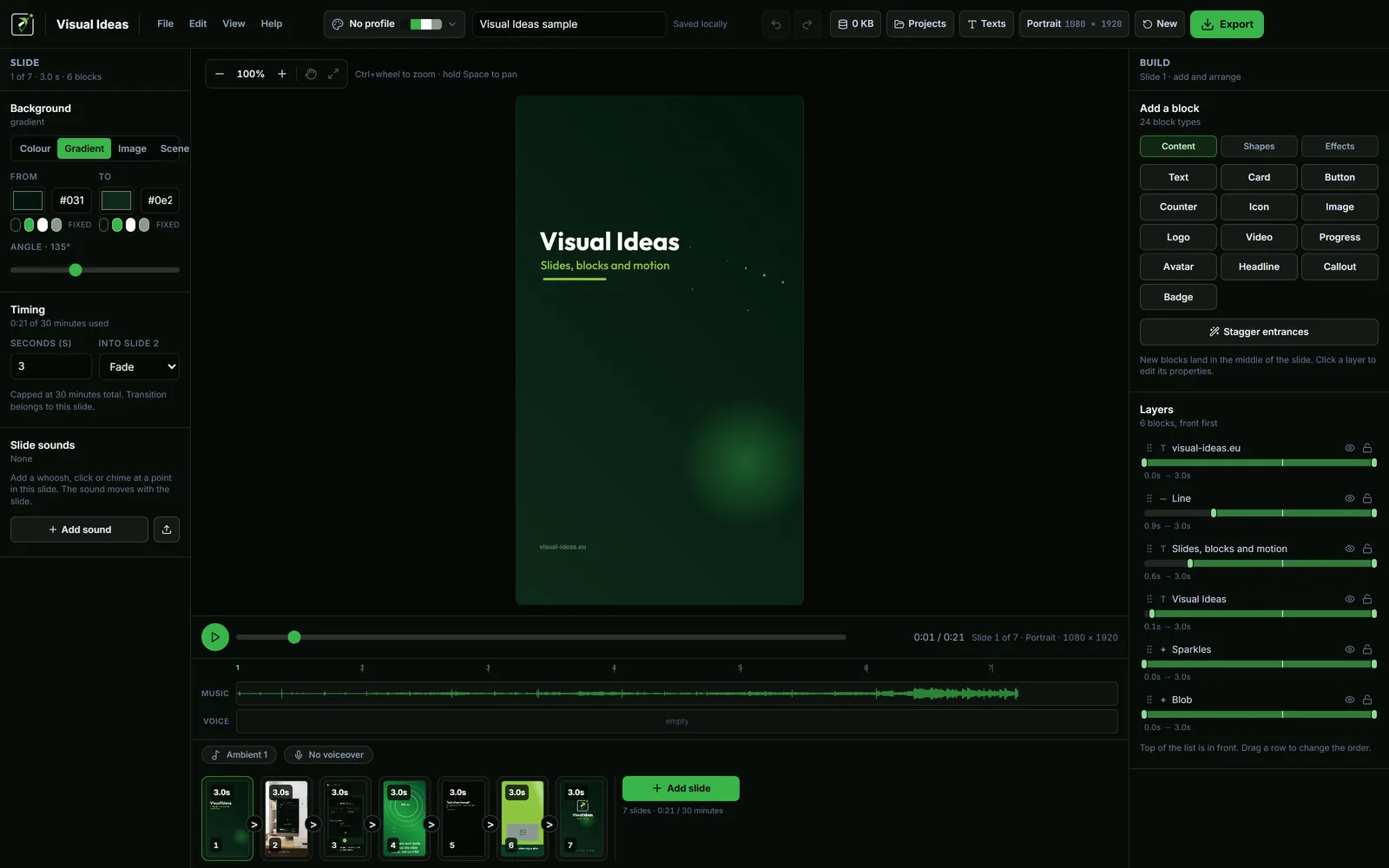
The videos work because they share a layout. Build the layout once: a title slide, a photo slide with a caption, a details slide and a closing slide. Set the brand colours and upload the logo once as a brand profile. Then each week is a matter of using the same project folder, swapping the photo and the caption, and exporting.
Ten minutes per clip is realistic once the layout exists. The hard part is choosing the fact, not making the file.
A few practical notes:
- One idea per video. A clip that says three things is remembered for none of them.
- Keep the text large enough to read on a phone, because that is where most of these will be watched.
- Export portrait for anything that will live on a phone-first feed; landscape for a website or a LinkedIn post. Square and 3:4 are there when one file has to fit several places.
- If the video is about a date or a price, check it twice. A wrong opening time is worse than no video.
You do not need seven videos this week. Pick one, make it, post it, and keep the layout for the next. For the production side, making a small business video without a crew walks through the same routine with fewer assumptions.
Which one first
If you are not sure where to start, start with the question customers keep asking. It is the easiest to write, it needs no product photography, and it saves you the same reply for months. The shop update is the second: it is quick, it keeps the feed alive, and it gives you a reason to photograph something you already have.
Save the before-and-after and the product-in-detail videos for when you have a little more time. They convert better, but they need a decent photo and a moment of quiet to put together. The opening-hours change should be made the day you decide it, not saved for a batch — its value is its timing.

Cristian Istrate
Independent developer behind Visual Ideas, a video editor for Windows. I write these notes when a problem keeps coming back in support email. Get in touch.