
A hook is not a trick. It is the shortest honest answer to the question every viewer asks in the first second: is this for me?
A strong hook gives the viewer a reason to keep watching and then keeps the promise. A weak hook hides the point, exaggerates the payoff or spends the first five seconds on a logo. The first approach earns attention; the second borrows it and loses trust.
Three hook shapes that work
Most useful hooks fall into one of three shapes.
The direct benefit. "This is how to clean a laptop screen without leaving streaks." The viewer knows the task and the desired result immediately.
The specific mistake. "Most people export at the wrong frame rate for Reels." The viewer recognises a problem they may have and wants the correction.
The focused question. "Why does your video look darker on a phone?" The question is narrow enough to answer in the clip, and the answer is the content.
Each shape is specific. None of them says "you won't believe what happened". That phrase works for a very small set of videos and damages the rest.
Write the hook from the content backwards
Do not write a hook first and then try to make a video that justifies it. Watch or plan the content, identify the most useful moment, and write the line that points at it.
If the video is a three-step tutorial, the hook can name the finished result. If the video is a product demo, the hook can name the problem. If the video is a story, the hook can name the change the story describes.
Then check the promise. If the hook says "in 30 seconds", the video should be about that long. If it says "without a spreadsheet", the video should actually show the alternative.
Keep it short and spoken-friendly
A hook has to work as a line of text and as a spoken sentence. That means short words, one idea and no parenthetical clauses.
Read it aloud. If you run out of breath, it is too long. If it sounds like a slogan, it is probably too vague. If it needs a second sentence to explain, the second sentence may be the real hook.
A useful test: remove the product name. Does the hook still make sense? If it only works because of the brand, it is not a hook, it is an announcement.
Match the first visual to the claim
The opening frame is part of the hook. If the line says "clean a laptop screen", the first visual should be a laptop screen, not a logo animation. The viewer should be able to connect the words to the picture before either one changes.
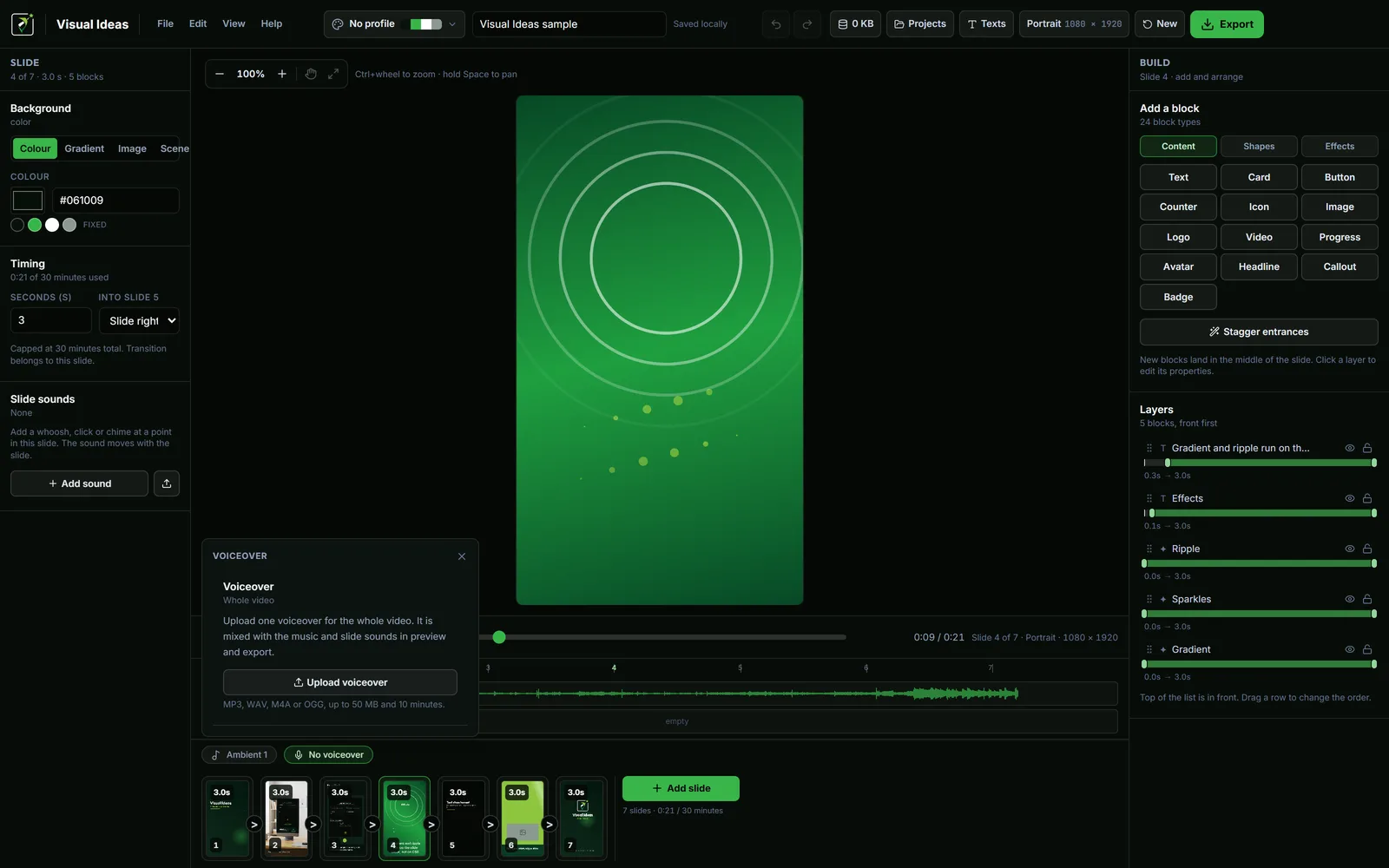
In Visual Ideas, the first slide can be a full-bleed photo, a short title card or a scene with a recording. Whichever you choose, place the hook text where it can be read immediately and keep the frame still long enough for the eye to land.
Do not animate the hook in letter by letter. A typewriter reveal is a nice effect once; as an opening it delays the only line that matters.
Use the next beat to deliver
The second scene has to start answering the hook. A common failure is a hook followed by a long introduction: "Before we get started, a bit about our company..." The viewer gave you the first few seconds; do not spend them on housekeeping.
If context is necessary, keep it to one line and make it part of the answer. "Here is the safe way to clean it — first, unplug it and turn it off." That is context and action in the same beat.
Do not mislead for attention
A misleading hook can produce a spike in views and a drop in trust. "This changes everything" over an ordinary tip teaches the viewer that your videos overpromise. They may still watch this one, but they will hesitate on the next.
The same applies to shock, fake urgency and claims you cannot support. A calm, specific hook is easier to write, easier to defend and performs better over a series.
Test three openings before you commit
Write three versions of the hook:
- The direct benefit.
- The mistake or misconception.
- The question.
Read each one with the first visual beside it. Choose the one that is most specific and most honest. Often the direct benefit wins because it is the easiest to understand at a glance.
If none of them feels right, the problem may be the video's subject rather than the wording. A video about "our services" has no hook; a video about "how to choose a repair shop" does.
Keep the hook reusable
Once a hook shape works, it can become a series pattern. The same opening structure, the same title position, the same rhythm, new subject. That is consistency without repeating the same sentence.
The weekly workflow guide shows where the hook fits in a repeatable production routine. The call-to-action guide covers the other end of the video.
A good hook is a promise kept quickly. Write the promise, make the video that keeps it, and cut everything before the promise starts.

Cristian Istrate
Independent developer behind Visual Ideas, a video editor for Windows. I write these notes when a problem keeps coming back in support email. Get in touch.