
A product video on social media is not a television advert. It appears between a friend's holiday photo and a news clip, often with the sound off, and it has about two seconds to explain why it exists.
That does not mean shouting. It means being specific quickly: one product, one benefit, one proof, one next step.
Start with the benefit, not the product name
The product can appear in the first frame, but the benefit should be understandable at a glance. "A lamp for a small desk" says less than "A desk lamp that stops your screen showing in video calls".
Write the benefit as a sentence a customer would say. If the sentence is about a feature — "10 light settings" — ask what those settings change. The answer is the benefit.
One video gets one benefit. If you have three, you have three videos, and the second and third can reuse the first one's layout.
Show one proof point
A claim without proof is an advert. A claim with proof is a demo. Pick one thing the camera can show:
- The product being used in the situation the benefit describes.
- A before-and-after the viewer can compare.
- A close-up of the detail that makes the difference.
- A short screen recording of the result, if the product is software.
For a candle brand, the proof might be the candle burning on a calm evening desk while the copy talks about a softer light. For a software tool, it might be the report finishing without a spreadsheet. The proof does not need to be dramatic; it needs to be visible.
Build a four-beat story
A short product video has room for four beats:
- Hook — name the situation or the benefit in one line.
- Product — show the product in use, not on a white background.
- Proof — the detail, before-and-after or result that supports the claim.
- Call to action — one instruction and a reason to follow it.
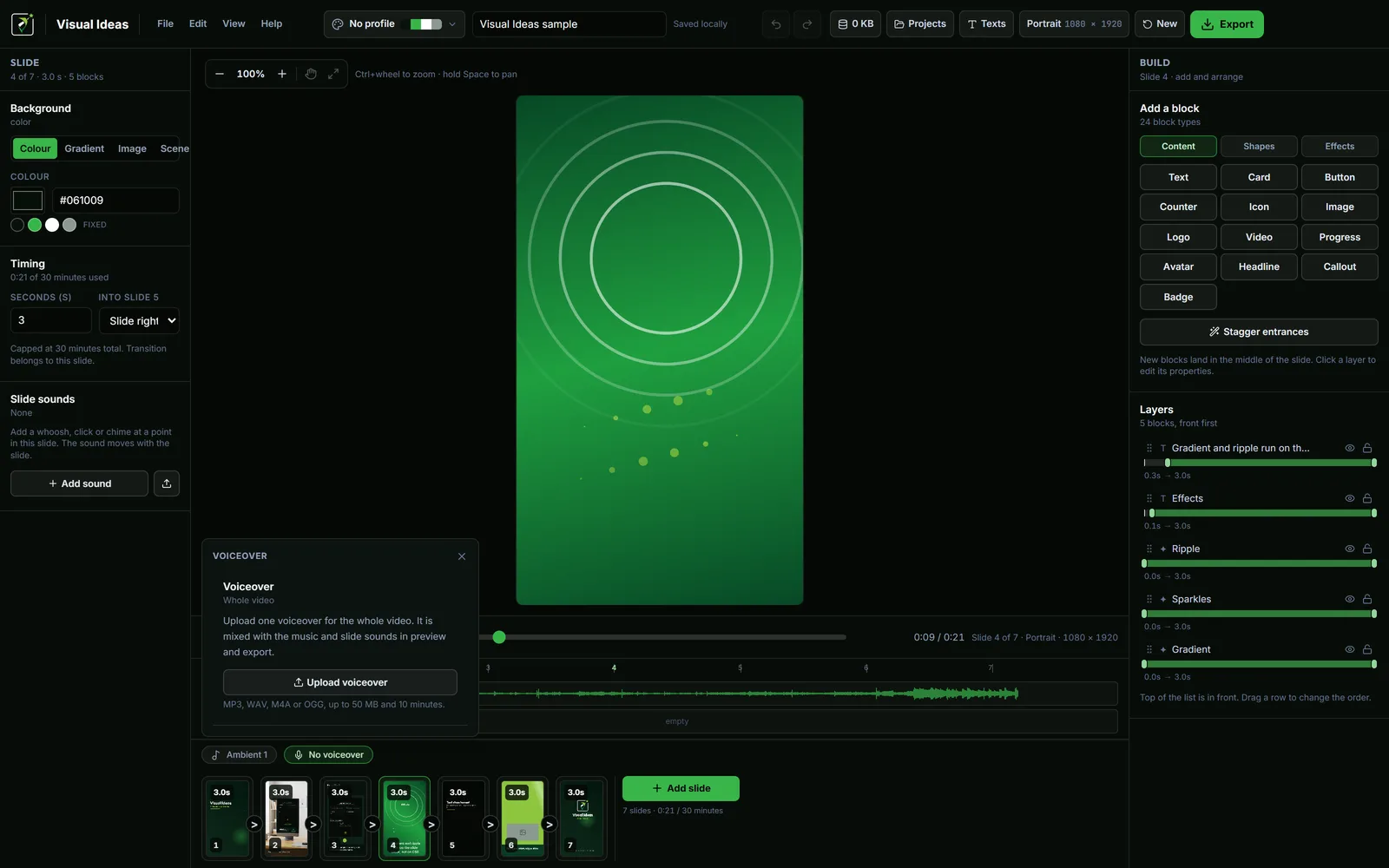
That is four slides in Visual Ideas, or five if you split the proof into two. A fifteenth slide is not a better video; it is a longer one.
Write the hook first. The short video hook guide has three patterns that work without hype. Write the ending last, after you know what the video actually proves.
Choose the frame before the layout
Portrait is the natural home for Reels, TikTok and Shorts. Landscape suits YouTube, a website header and most desk-based LinkedIn viewing. Square and 3:4 are useful when the same file has to survive several feeds.
The choice changes the composition, not just the crop. A portrait frame has room for one subject and a short line; a landscape frame can hold a product and its context side by side. Decide before you place the first block, because the type will need different sizes in each shape.
If you need both, build the portrait version first — the narrower frame forces you to cut the copy to what matters. Then rebuild the landscape version from the same words.
Keep the text short and readable
Social video is watched at arm's length, often while moving. Large type with strong contrast is not a style choice; it is a legibility requirement. A line that needs squinting on a phone is a line that will be skipped.
Use a text block or a Headline card for the main line and keep secondary information for the post copy. Do not stack a slogan, a URL, a price and three bullet points on the closing frame. One idea per frame, one frame per idea.
If the footage behind the text is busy, add a solid or semi-transparent panel rather than hoping the contrast holds. The app lets you set the fill opacity on cards, badges and buttons, so the panel can be strong enough to read without hiding the product.
Use sound as support
Music sets the pace, but the video should work without it. Add captions or on-screen text for every spoken word, and check the mix on a phone speaker.
If you use a voiceover, upload one track for the whole video, set its start point and turn on ducking so the music drops under the narration. The voiceover and music guide goes through the levels. If you are choosing a track, check the licence before you build the edit around it.
Review it like a viewer
Watch the finished video once on a phone, at normal speed, without pausing. Then ask:
- Could you tell what the product was in the first two seconds?
- Was the benefit specific?
- Did the proof support the claim?
- Was the next step obvious?
If the answer to any of these is no, fix that before adding more polish. Effects do not rescue a missing point.
Export once, for the right destination
The export sheet offers platform presets, 1080p or 720p and 30, 25 or 24 fps. For most social product videos, 1080p at 30 fps is the right default. Choose the preset that matches the feed, confirm the estimated file size, and play the saved MP4 once before uploading.
A product video is a small, repeatable unit: one benefit, one proof, one action. Once the layout exists, the next product does not need a new production — just a new photo, a new sentence and ten minutes. Making a small business video without a crew applies the same routine when the business is your own.

Cristian Istrate
Independent developer behind Visual Ideas, a video editor for Windows. I write these notes when a problem keeps coming back in support email. Get in touch.