
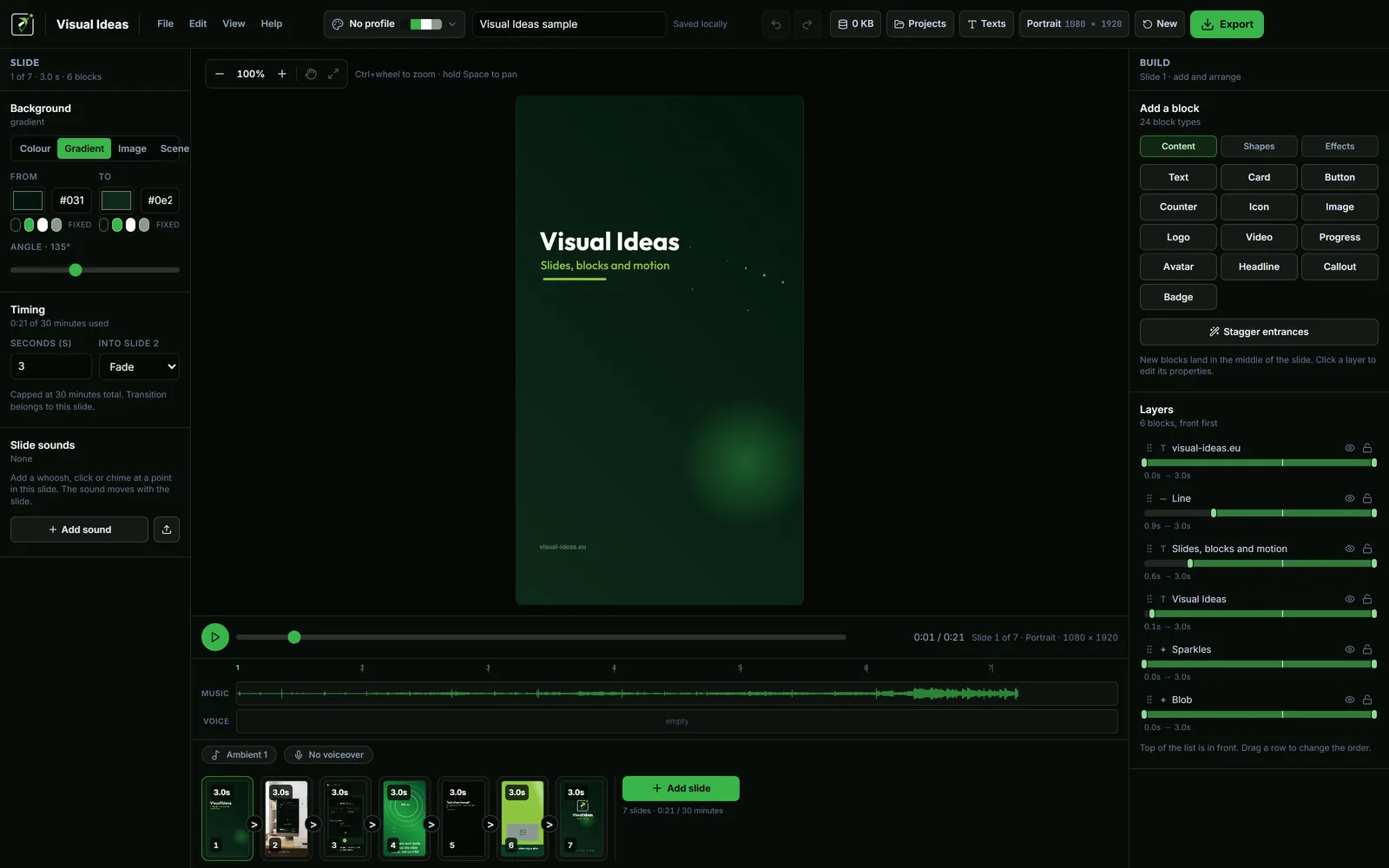
A YouTube intro has one job: tell the viewer what this video is and why it is worth the next few minutes. It does not need a three-second logo animation, a dubstep sting or a list of everything the channel has ever made.
The best intro is usually five to ten seconds. It names the topic, gives the payoff, and gets out of the way. Everything else is decoration that costs retention.
Decide what the opener must do
Before you design a single frame, answer three questions:
- What is this video about, in one sentence?
- What will the viewer be able to do, understand or avoid after watching?
- What is the first useful thing the video will show?
The intro is the bridge between those answers and the main content. If the video is a tutorial, the opener can show the finished result. If it is a commentary, it can name the question. If it is a product review, it can show the product in use and state the verdict the viewer is about to get.
Do not make the intro a trailer for a video that does not exist. A promise the content cannot keep is worse than a plain opening.
Keep branding as a supporting cue
A logo, a colour and a type style help viewers recognise the channel. They do not replace the topic. A five-second logo animation before the viewer knows what the video is about is five seconds of silence in a feed full of alternatives.
Put the brand cues inside the opening frame: a small logo in a consistent position, the channel's palette on the title card, the same typeface. Then let the title say something specific. "How to fix a wobbly desk" is an intro. "Welcome back to the channel" is a delay.
Visual Ideas brand profiles save a palette and a logo, so a new project can start with the same colours without rebuilding them. The branding guide covers the reusable setup.
Build a short opening sequence
A practical structure for a long-form YouTube video:
- The result or the question — the thing the viewer came for, shown or named.
- The specific promise — what the video will cover, in one line.
- The first step — a visual bridge into the content, not another title card.
That is one or two slides, not a mini-film. In Visual Ideas, a landscape project at 1920 × 1080 with a title block, a short subtitle and one image is enough. If you want motion, a fade or a small slide-in is more than sufficient.
Use the platform preset in the export sheet and 1080p at 30 fps for the main upload. A YouTube intro that will also be used as a channel trailer should be a separate, slightly longer project, not the same file cropped.
Write the line the viewer hears
If the video has narration, the first sentence matters more than the visual. State the subject plainly:
- "This is how to clean a laptop screen without leaving streaks."
- "I tested three ways to organise a small kitchen. One was clearly better."
- "Here is why your exported video looks darker on a phone."
Avoid throat-clearing: "Hey guys, welcome back, today I want to talk about..." The viewer already knows they clicked a video. Start with the thing.
If the video has no narration, the on-screen title does the same job. Keep it to one or two lines at a readable size, and hold it long enough to read — at least a second after the animation finishes.
Make the transition part of the intro
The last frame of the intro should lead into the first frame of the content. A hard cut to a talking head is fine. A slide transition into the first demonstration is better if it keeps the viewer oriented.
Do not repeat the same introduction in the first content section. If the intro already said what the video is about, the next scene should start doing it.
Check the intro against the rest of the video
Watch the first thirty seconds as a viewer. Then watch the whole video. The intro should match the content's actual promise, not the promise you meant to make.
A few specific checks:
- Does the first frame identify the topic without sound?
- Is the title readable on a phone, where YouTube is often watched?
- Is the logo small enough to be a cue rather than the subject?
- Does the intro end before the viewer starts waiting?
- Does the first content scene deliver the thing the intro promised?
If the intro feels long, it is. Cut it.
Reuse the pattern, not the script
A recurring intro can be a template for the next video: same opening layout, same type, same logo position, new topic and new promise. That is consistency without repetition.
Keep the finished project folder as the starting point. Duplicate it, replace the title and the image, and export. The weekly workflow guide shows how that fits into a repeatable production routine.
The goal is not a memorable intro. The goal is a viewer who knows what they are watching and stays for the answer.

Cristian Istrate
Independent developer behind Visual Ideas, a video editor for Windows. I write these notes when a problem keeps coming back in support email. Get in touch.