
Text on a Reel is not a caption for the footage. It is part of the composition. It has to survive a moving background, a small screen, the platform's own interface and a viewer who may be holding the phone at arm's length.
Most unreadable Reels fail for four simple reasons: too many words, too small a size, too little contrast, or text placed where the interface covers it. All four are fixable before export.
Write less than you think
A Reel is not a place to explain a paragraph. One slide, one thought, five or six words is a good target. If a sentence needs a comma and a subordinate clause, it is probably two slides.
Try this test: read the line aloud once. If you have to take a breath in the middle, it is too long for one frame. Split it, or move the detail to the video description.
The same rule applies to numbers. "30% off everything until Sunday" is readable. "30% off selected items, excluding gift cards, online and in store, until Sunday at midnight" is a terms page, not a caption.
Make the type large and plain
Large does not mean shouting. It means the letter shapes are clear at phone size and the line does not need to be deciphered. Avoid thin weights over moving footage, long strings of capitals and decorative scripts that lose their shape when scaled down.
Aim for a type size that looks almost too large on your laptop. By the time the frame is a phone, it will look normal. If the text is competing with the subject, give it a panel behind it rather than shrinking it.
Keep one type style for the video. Changing fonts between slides makes the sequence feel like a compilation of other people's clips.
Leave the interface room
Instagram draws its own controls over the video: the profile row, the caption, the action buttons and the progress bar. Text placed near the top or bottom edge can disappear behind them.
The safe approach is to keep essential words in the middle band of the frame, with clear space around them. If a platform's layout changes, the middle is the part most likely to survive.
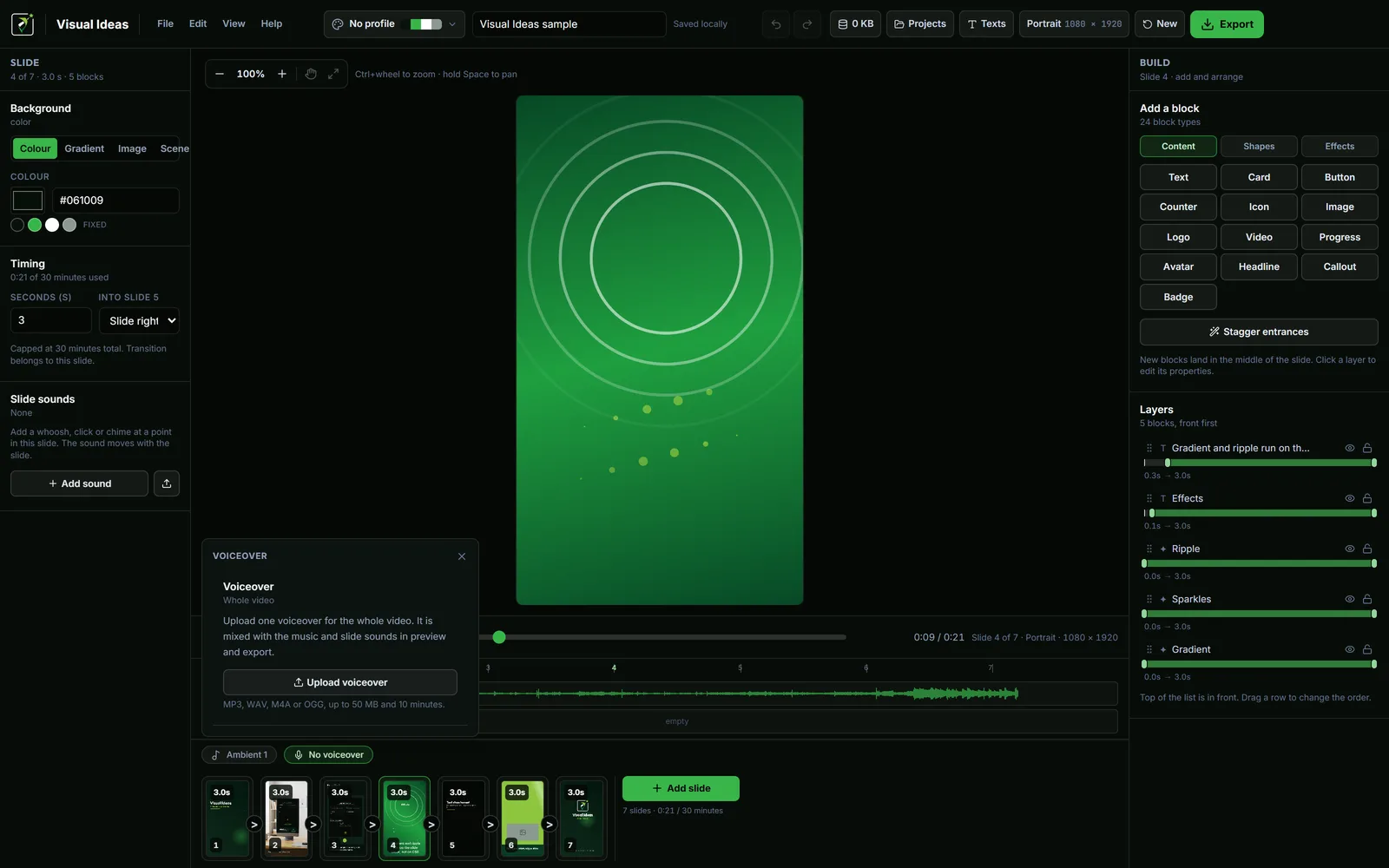
In Visual Ideas, the portrait project is 1080 × 1920 and the preview is the full frame. Treat the outer margin as decoration only. Do not put the only copy of a phone number, price or date in the bottom fifth.
Use contrast, not colour alone
White text on a dark image is reliable. Dark text on a pastel background is reliable. White text on a busy photo is not, no matter how good it looks on the editing screen.
Add a semi-transparent card behind the text, or a subtle shadow, or darken the photo with a vignette. The app's card and headline blocks have a fill opacity control, so the panel can be readable without becoming a solid box.
Do not rely on colour to carry meaning. If a word is important, make it larger or put it on its own line. A red word on a green background may be invisible to some viewers and unreadable on a phone in sunlight.
Animate for attention, not for decoration
A short fade or slide-in can guide the eye to the line. A typewriter that takes three seconds to reveal a five-word caption is spending the viewer's reading time on the animation.
If you use an entrance, keep it under half a second for a short line, and leave the words still for at least a second before the slide changes. A wipe or a draw-on effect is better saved for the visual, not the sentence the viewer needs to read.
The timing guide has a worked five-second slide. The slide timing guide turns reading speed into a duration.
Check it on the phone, not the monitor
Export the Reel, open it on the phone you actually use, and watch it at arm's length. This is the only review that matters. On a laptop, everything looks bigger and calmer than it will in the feed.
While you watch, ask:
- Can you read the first line before it changes?
- Does any text sit under the interface?
- Is the contrast still clear over the busiest frame?
- Does the last frame stay long enough to read the call to action?
If the answer is no, change the text or the timing, not the phone.
Keep a reusable text layout
The fastest way to make readable Reels is to stop designing every one from scratch. Build a portrait project with two or three text positions, one type style and one accent colour. Save the project folder. For the next Reel, duplicate the layout, swap the words and the footage, and export.
A consistent layout also trains your audience: they know where to look. The consistent branding guide covers palette, logo placement and type across a series.
One last thing: the caption below the Reel is not a substitute for readable on-screen text. Many viewers never open it. Put the one thing you need them to understand inside the video, and use the caption for context, links and hashtags.

Cristian Istrate
Independent developer behind Visual Ideas, a video editor for Windows. I write these notes when a problem keeps coming back in support email. Get in touch.