4 min read
How to Export an MP4 for Reels, Shorts, YouTube or LinkedIn
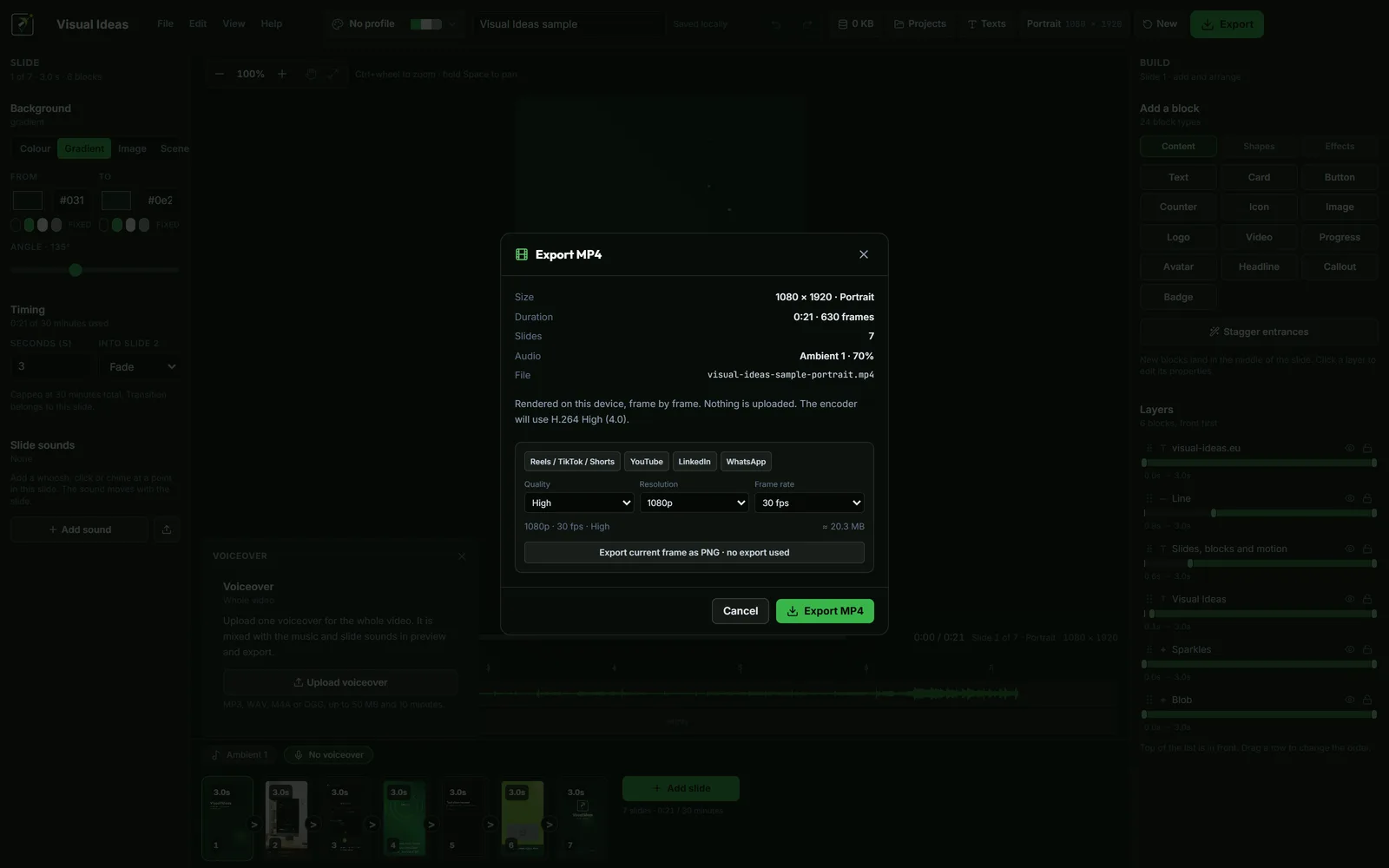
Choose a frame shape, resolution and frame rate for social video, then review the saved MP4 before uploading it to the platform.
Read the postChoose a frame shape, resolution and frame rate for social video, then review the saved MP4 before uploading it to the platform.
Read the postMake Reel text easier to read with concise wording, safe placement, high contrast and a phone-sized review before you publish.
Read the postChoose portrait, landscape or square video by considering the platform, viewer context and where important text or visuals will sit.
Read the postA practical guide to choosing the frame before you start, and why cropping a finished video rarely works.
Read the postFree with 10 exports a calendar month, no account, and nothing leaves your PC. Larger export packs are bought once in the app and never expire.