
Effects
Texture, motion and a little atmosphere.
An effect is a block whose only job is to make the frame feel less flat. It is not content: it does not carry a message, and if it disappeared the video would still make sense. That is exactly why it is easy to overdo.
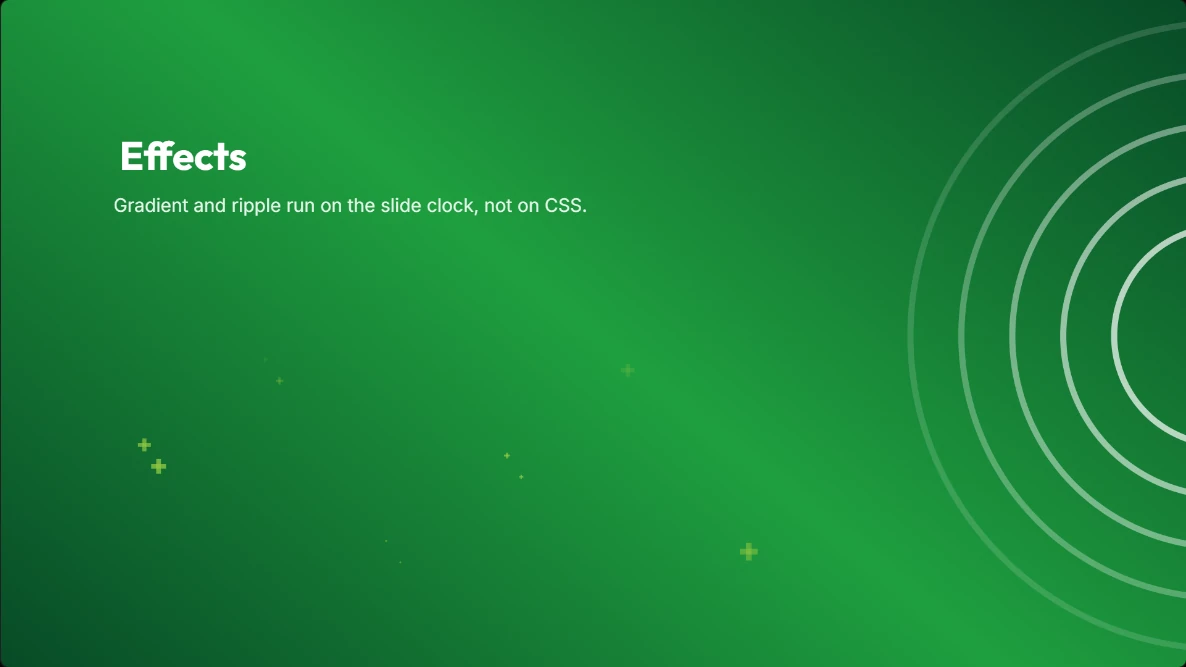
Visual Ideas includes six animated effects that sit behind or in front of the other blocks and run on their own clock. Soft shapes such as blobs and gradients live under Shapes instead.
The set
Each effect has a few controls rather than a hundred. That is deliberate: the point is to add a little movement in a few seconds, not to build a particle system.
- Sparkles: small dots, stars or crosses that twinkle and drift; count, size, speed and seed
- Ripple: rings that expand from a point, with stroke width, ring count and fade
- Confetti: a deterministic burst of coloured pieces, with count, size and colours
- Light sweep: a shine that crosses the frame
- Particles: soft floating bokeh, with its own count, size and speed
- Vignette: a darkened edge that pulls the eye to the centre
Using them well
Put effects behind the text, not over it. A sparkle field across a headline makes the headline harder to read, and the viewer blinks rather than admires. A blob or a gradient from Shapes behind the same headline gives it contrast and costs nothing.
Aim for one effect per frame. A gradient background plus a vignette plus sparkles is three attempts to solve the same problem. If the frame already has a strong picture and a strong title, it probably needs no effect at all.
Effects and the export
Effects are drawn by the same renderer that produces the MP4, so what you see in the preview is what is written to the file — including the speed and the seed of a sparkle or confetti field. Nothing is added by the player and nothing is lost on export.
Two effects come with a sound by default: a confetti burst adds a pop, and a counter adds a tick. Both are ordinary slide sounds and can be changed or removed.
How to use it
- 1
Add an effect block and choose the kind.
- 2
Place it behind the content in the layers panel.
- 3
Set the colour from the palette so it belongs to the video.
- 4
Reduce the strength until the text is the first thing you notice.
- 5
Play the slide and check the effect does not distract from the line being read.
Get Visual Ideas for Windows
Free with 10 exports a calendar month, no account, and nothing leaves your PC. Larger export packs are bought once in the app and never expire.